“A template is not decoration. It is a decision someone already made for you about what goes where.”
Quick answer
Pick a template by the job the page has to do, not by how it looks.
Looking for Systeme.io funnel templates and feeling like they all blur together is normal. They photograph well and tell you almost nothing about whether they will work for what you sell. A template is really a layout: the order of the sections, where the button sits, how much room the story gets before the price appears. Pick the wrong layout and you will fight it for weeks. Pick the right one and the only thing left to do is write your own words in. This article shows you how to match a template to the job your funnel has to do, and how to change one without breaking it.
Match the template to the job, not the mood
Before you look at a single design, answer one question: what is the visitor supposed to do on this page? Give you an email address, buy something, register for a training, or find your links. Each of those needs a different layout, and no amount of nice typography fixes a mismatch.
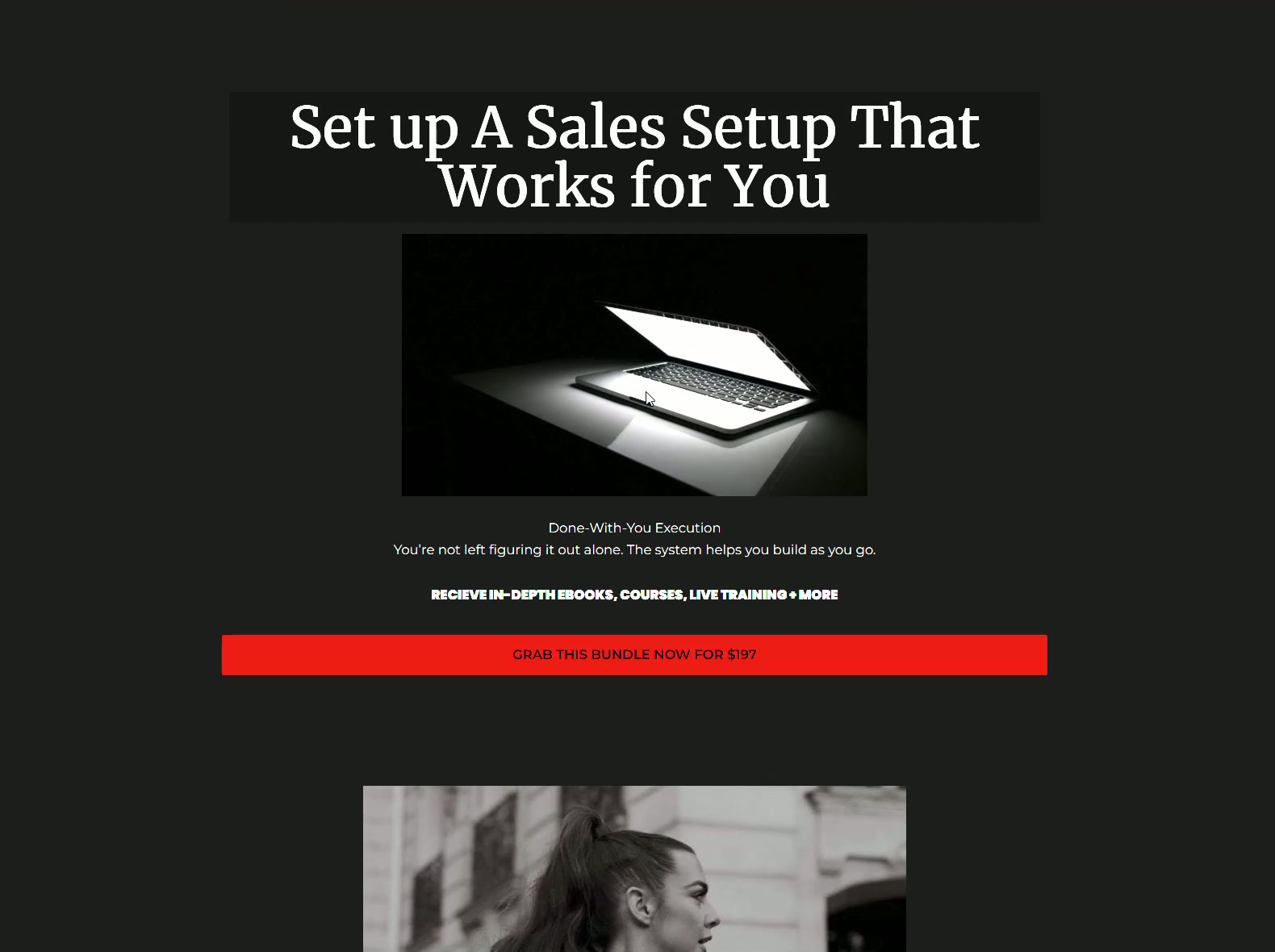
A page built to collect emails is short and has one field. A page built to sell a higher-priced product is long, because a bigger decision needs more information. Using a long sales layout for a free download makes people suspicious, and using a short layout to sell something expensive leaves them unconvinced.
What a good template already solves for you
A finished template has section order, spacing, mobile behaviour and button placement already handled. Those are the parts beginners get wrong and never notice. It is very hard to see that your page reads badly on a phone when you built it on a laptop.
It also gives you a writing prompt. An empty page asks you to invent structure and words at the same time. A template with a headline block, a story block and a proof block tells you what to write next, which is usually the difference between finishing and abandoning.
Change the words first, the design last
Import the template, then go through it in order and replace every piece of text with your own. Do not touch colours or fonts yet. Read it out loud at the end. If a sentence sounds like something a company would say rather than something you would say, rewrite it.
Only after the words are done should you swap the images and adjust colours to match your brand. Doing it the other way around means you spend your best energy on the part of the page nobody buys because of.
How importing a template into Systeme.io works
Systeme.io funnels can be shared with a link. When you open a share link while logged into your own Systeme.io account, the whole funnel is copied into your dashboard, pages and steps included. It becomes your copy, editable forever, with no connection back to whoever made it.
This is why buying a template is a one-time thing rather than a subscription. You are buying the layout and the structure once and it stays in your account.
When you should not use a template
If your offer is genuinely unusual, for example a service with a long application process or a booking flow that has to happen in a particular sequence, a general template can push you into a shape that does not fit. In that case use the template only for the pages that are ordinary, like the thank-you page, and build the unusual one yourself.
And if you have already got a page converting, leave it alone. A template is a starting point for a page that does not exist yet, not a replacement for one that already works.
The short version
- Pick a template by the job the page has to do, not by how it looks.
- A good template has already solved section order, spacing, mobile layout and button placement.
- Replace all the text first, then swap images and colours last.
- Opening a Systeme.io share link copies the whole funnel into your own account to keep and edit.
- Do not template over a page that is already converting.
Common questions
Are Systeme.io templates free?
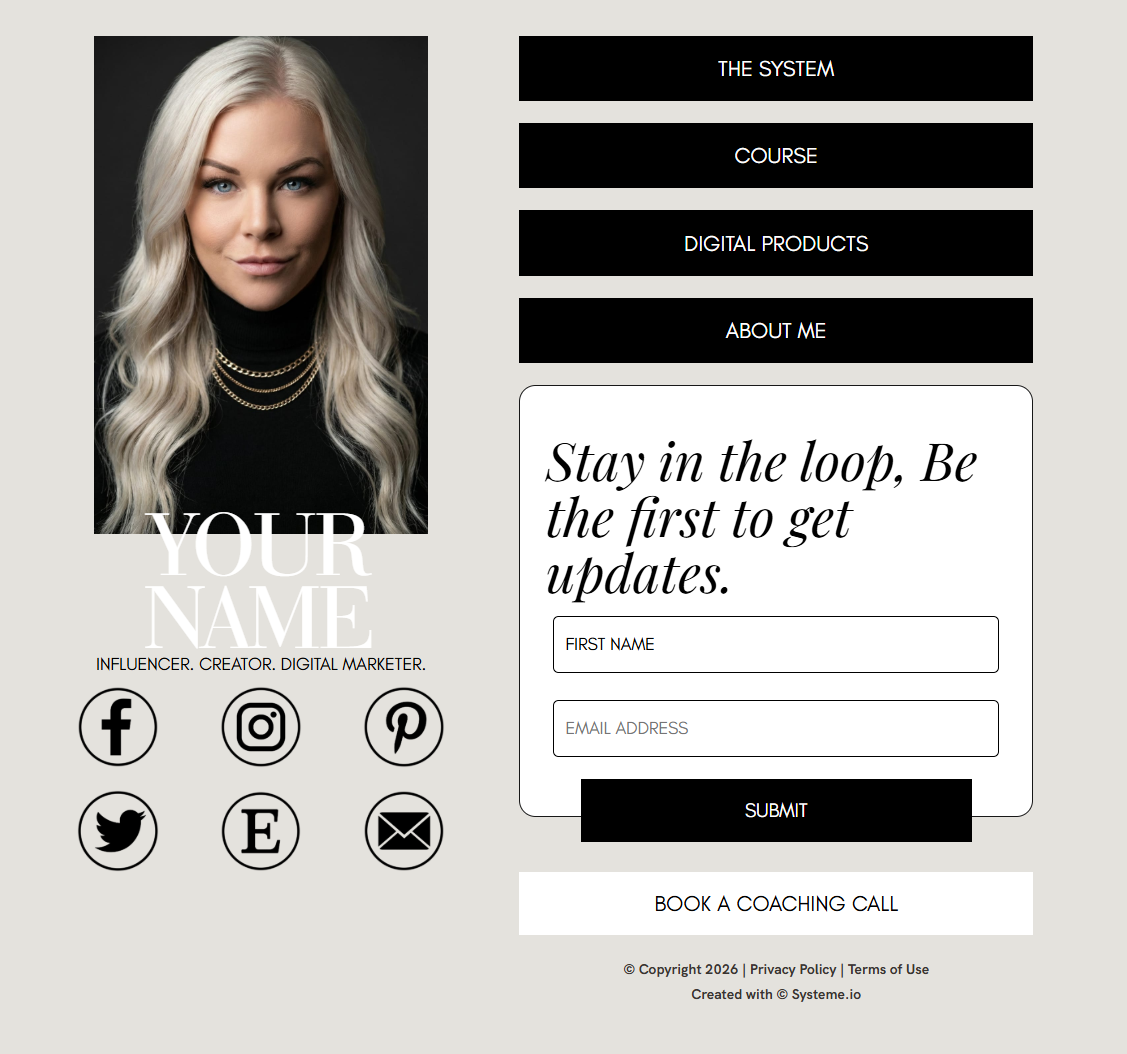
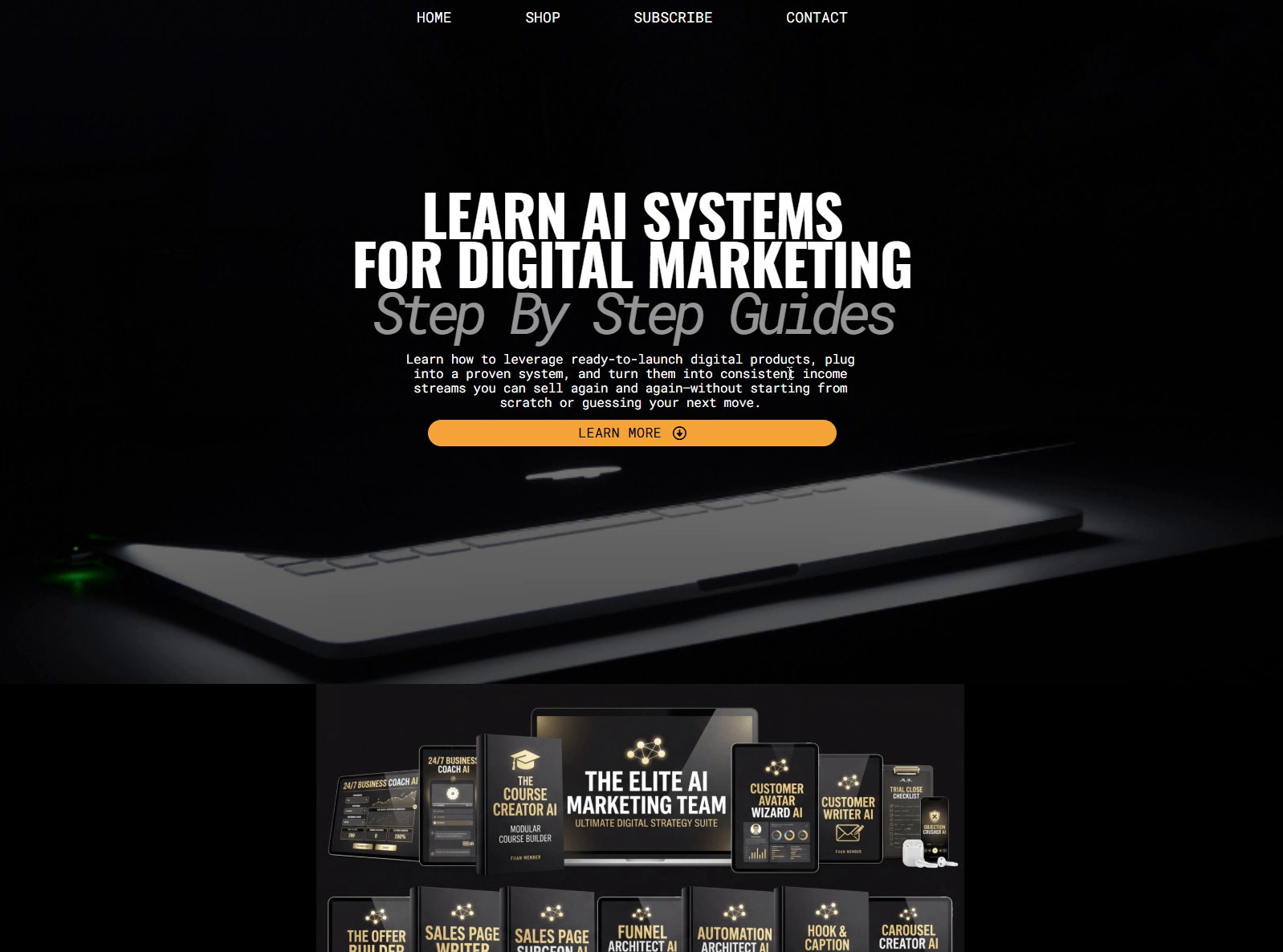
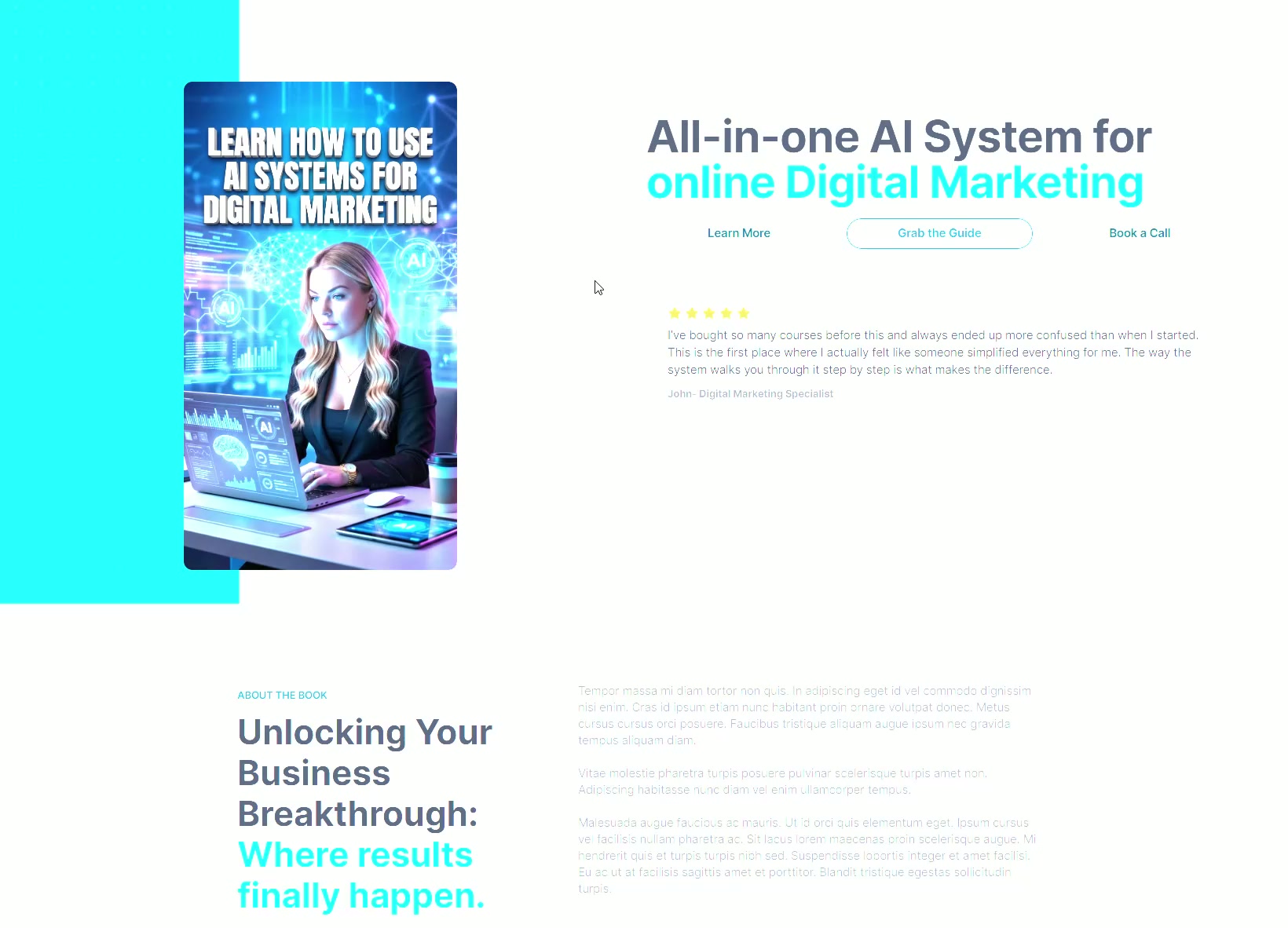
Systeme.io includes a library of built-in templates you can use on its plans, and there are also templates made and sold by other people. Paid ones are usually more finished and built around a specific job, such as a webinar registration or a link-in-bio page. Either way, the template lives inside your own account once it is imported.
Will a template hurt my results because other people use it?
Layout is not what makes a page unique. Your offer, your words and your proof are. Two funnels can share the same section order and read completely differently. What does hurt results is leaving the template placeholder text in place, so always rewrite every line, including the small print and the button labels.
Can I edit a purchased template later?
Yes. Once the funnel is copied into your Systeme.io account it behaves like any funnel you built yourself. You can add pages, delete sections, change prices and rewrite everything as many times as you like. Nobody can reach in and change it, and the person who made it cannot take it back.
How many pages should my first funnel template have?
For a first paid offer, four pages is plenty: the sales page, the order form, the thank-you page and a delivery page. For a free lead magnet, two is enough: the opt-in page and the delivery page. Extra pages are things to add once you have watched real people move through the simple version.
Get the template and the words
Pick up a ready-made Systeme.io funnel below for a one-time $9, then let OfferConverter AI write the copy that goes in it for your specific offer. A free account comes with 5 AI credits and no card at signup.
Free sample from 4 quick answers · plans from $49/month
About the author
Brittany Johnson
Brittany Johnson is the founder of OfferConverter AI. She builds conversion systems for coaches, course creators, and online sellers — and writes from what's working inside real offers, not theory.