“A funnel is not a marketing machine. It is four pages in a row, and you can build all four today.”
Quick answer
A sales funnel is four pages in order: sales page, order form, thank-you page, delivery.
If you have been trying to figure out how to build a sales funnel in Systeme.io and every tutorial jumps straight into split tests and tags, this is for you. A funnel is simply a short path of pages a visitor walks through: they land somewhere, they read why your thing matters, they pay, and they get what they bought. That is it. The confusing part is not the idea, it is the blank screen when you open a page builder and do not know which page to make first. By the end of this article you will know exactly which four pages to build, what goes on each one, and the order that keeps you from getting stuck halfway.
What a sales funnel actually is
A funnel is a set of pages shown in a fixed order, each with one job. The word sounds technical because marketers made it sound technical. In practice you are just removing choices. A normal website invites people to wander. A funnel points at one thing and asks for one decision.
That matters because a visitor who has ten links to click usually clicks none of them. When you build your funnel in Systeme.io you are picking the order those pages appear in, and Systeme.io handles the plumbing: the button that moves someone forward, the form that takes payment, the email that confirms it.
The four pages every beginner funnel needs
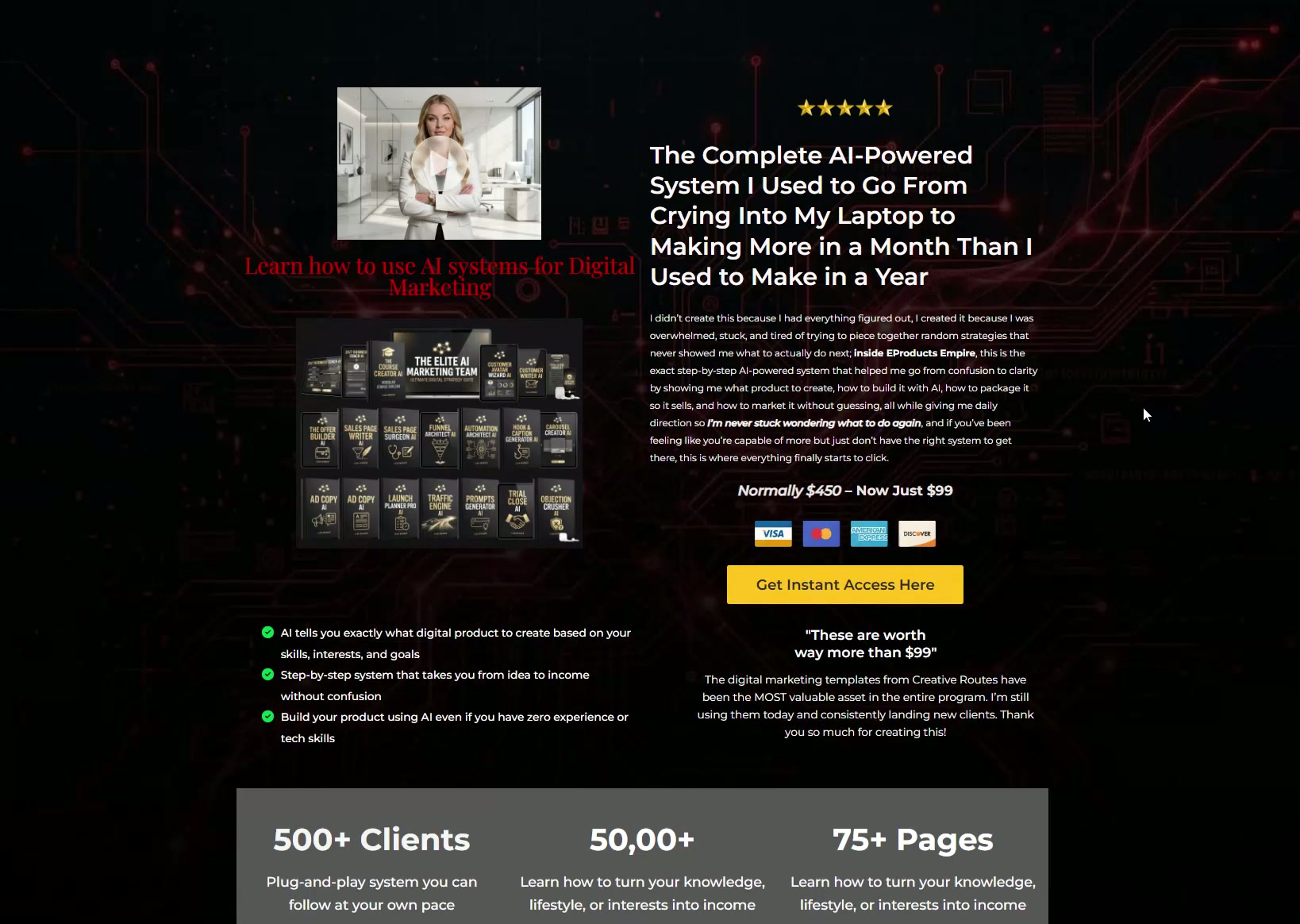
Page one is the sales page. It explains what you sell, who it is for, and what changes for them. Page two is the order form, where they enter card details. Page three is the thank-you page that confirms the purchase and tells them what happens next. Page four is optional but useful: a delivery page holding the product, the login, or the download.
You do not need an upsell, a downsell, a countdown timer or a webinar to make your first sale. Those are additions you can test later once you know people want the thing. Four pages is a complete, working funnel.
Build it in this order so you do not stall
Start at the end. Make the thank-you page first, because it takes five minutes and it forces you to write down what the buyer actually receives. Then build the order form, then the sales page last. Working backwards means every page you write already knows what it is leading to.
Most people do the opposite. They open a blank sales page, try to write a headline, and stop. Writing the promise is much easier once you have already described the delivery in plain words on the thank-you page.
Set up the funnel inside Systeme.io
Inside your Systeme.io dashboard you create a new funnel, choose the sales goal, and then add the steps one by one. Each step is a page, and each page can be built from a blank canvas or from a template. Systeme.io connects the steps automatically, so a button on your sales page can simply point to the next step rather than a URL you have to remember.
Attach your product to the order form step, set the price, and connect a payment processor. Do a test purchase yourself before you send anyone traffic. Buy your own product, watch the thank-you page load, and check that the confirmation email arrives.
The mistake that costs beginners the most time
The most common mistake is redesigning. People spend three weeks nudging fonts and never publish. Nobody has ever refused to buy because the button was a slightly different gold. They refuse to buy because the page did not tell them clearly what they get.
If you are stuck on design, start from a finished template instead of a blank page. A template already has the layout, the section order and the button placement decided, so the only work left is the part that actually moves the needle: your words and your offer.
The short version
- A sales funnel is four pages in order: sales page, order form, thank-you page, delivery.
- Build the thank-you page first and the sales page last, so every page knows what it points to.
- Attach the product to the order form step and run a real test purchase before sending traffic.
- Skip upsells and timers until you have proof that people want the core offer.
- If a blank page stalls you, start from a finished template and only change the words.
Common questions
Do I need a website before I build a funnel in Systeme.io?
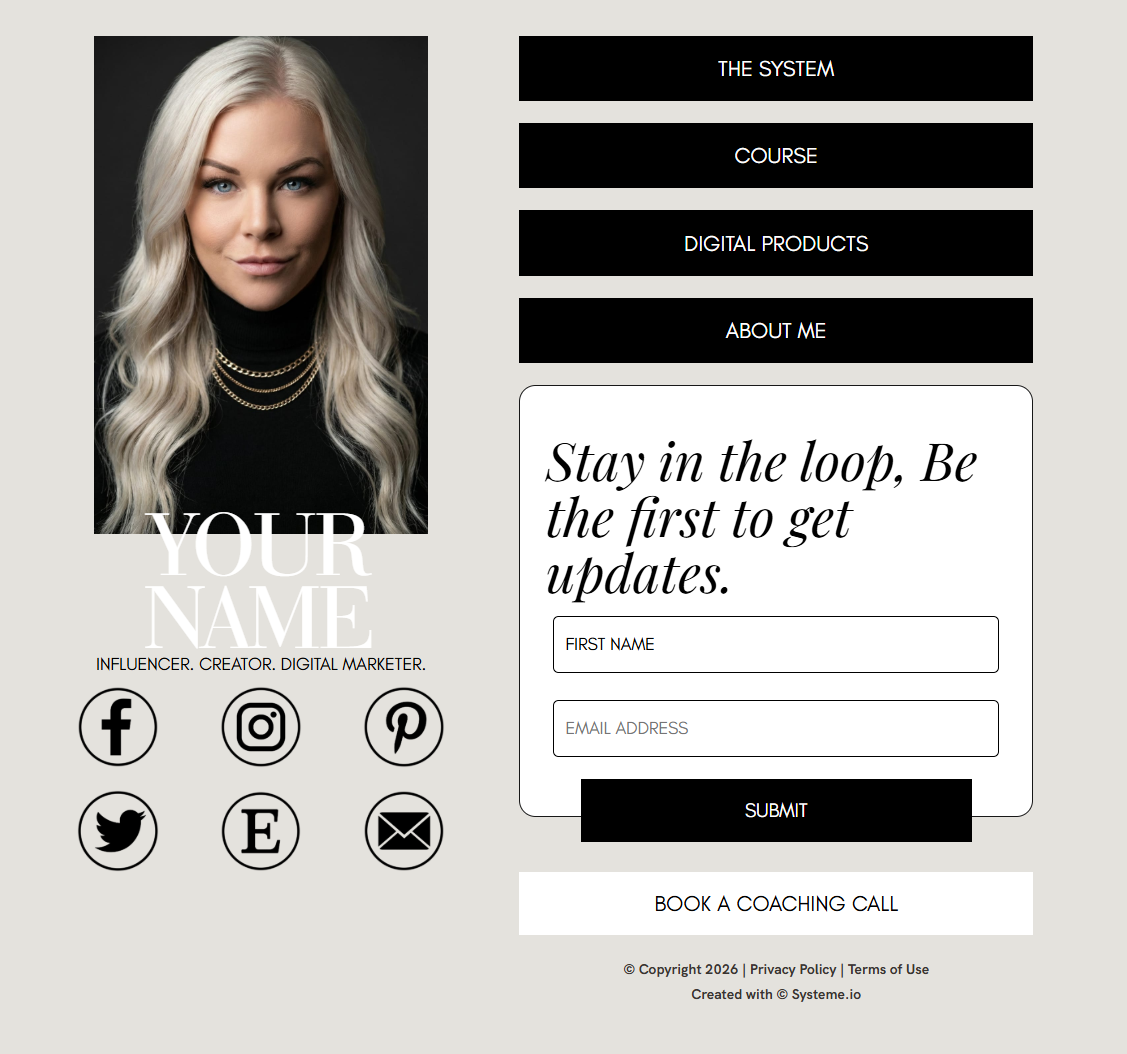
No. A funnel is self-contained. The pages inside it are live on the internet with their own addresses, so people can reach your offer without you owning or designing a separate website. Many sellers run for a long time with nothing but a funnel and a link-in-bio page, and add a full website later when they have something worth building it around.
How long does it take to build a first funnel?
If you already know what you sell and what it costs, an afternoon is realistic when you start from a template. Building from a blank canvas usually takes longer, not because the software is slow, but because every empty section becomes a decision. Writing your offer down in plain sentences before you open the builder removes most of that time.
Can I use the free Systeme.io plan to build a sales funnel?
The free plan is enough to build and publish a working funnel with a limited number of funnels and contacts. It is a sensible way to prove the offer before you pay for anything. When you outgrow the limits, the paid plans raise them. Check the current plan limits on the Systeme.io pricing page, since they can change.
What should the button on my sales page say?
Say what happens next, in the buyer voice. Get Instant Access, Send Me The Guide, and Start My Free Trial all tell someone what they are about to receive. Submit and Click Here tell them nothing. Keep the same wording on every button in the funnel so the path feels like one continuous action rather than several unrelated steps.
Want the writing done for you?
OfferConverter AI writes the pages of your funnel for your specific offer: the headline, the sales copy, the order bump wording and the follow-up emails. Create a free account, use your 5 free AI credits, and see your own words on the page before you decide anything.
Free sample from 4 quick answers · plans from $49/month
About the author
Brittany Johnson
Brittany Johnson is the founder of OfferConverter AI. She builds conversion systems for coaches, course creators, and online sellers — and writes from what's working inside real offers, not theory.